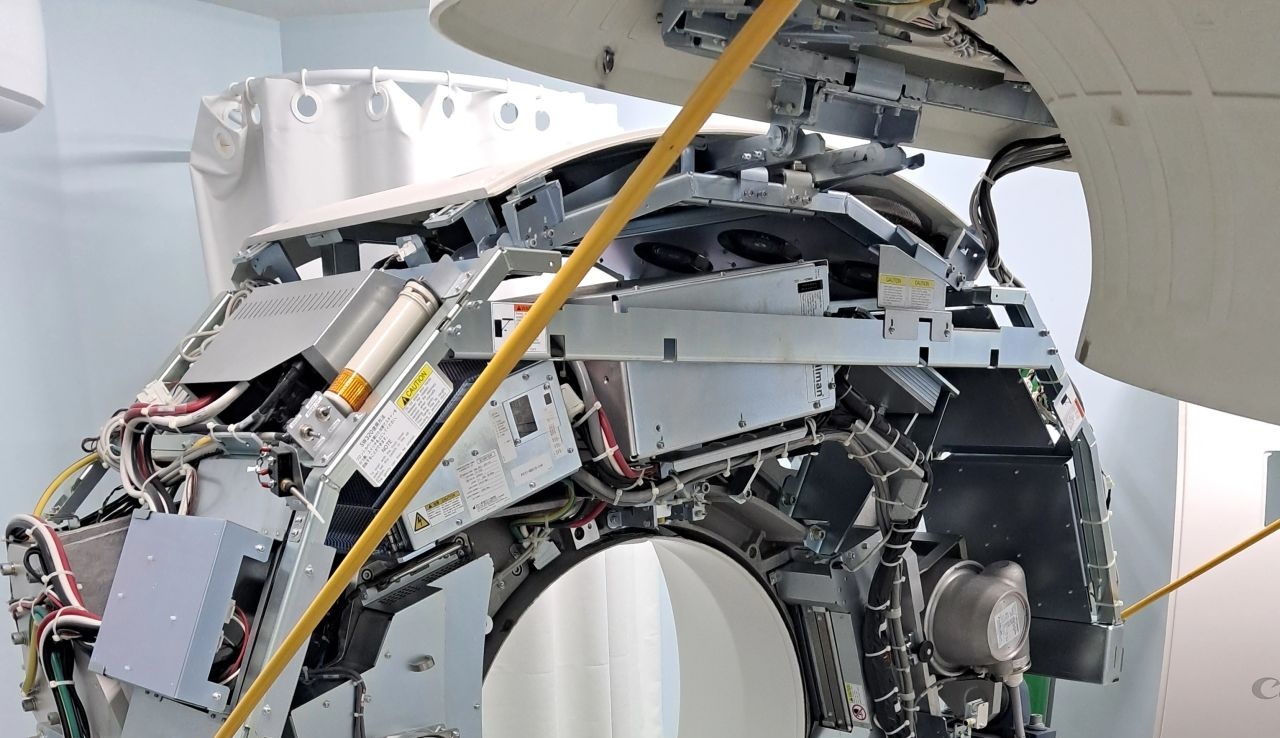
CT-Canon Aquilion Lightning and Prime Series
 Rufino Maria, BSc
CT_TECH_011
Rufino Maria, BSc
CT_TECH_011
Canon CT Training
Aquilion Lightning and Prime Series
This technical training course is specially designed for Field Service Engineers working with Independent Service Organizations. On the other hand, Biomedical Technicians and Engineers or other technical staff at the hospitals who would like to do the first line service in their radiology departments are also welcomed.
This course aims to enable engineers to safely service Aquilion Lightning and Prime SP systems, bring the student at a technical level so that he can perform periodic maintenance, quality assurance and calibrations with confidence.
By the end of the training, student will gain the capability of troubleshooting on the Aquilion Lightning and Prime Series CT scanners with solid diagnostic skills across hardware and software.
You will learn systematic aproaches to reduce trial-and-error part replacement. Our aim is to increase your technical accuracy by developing self confidence on Aquilion series.
You will also learn the Canon CT line model differences, installation tips&tricks, tube replacement, tune up, software installation and many more useful topics about Aquilion series CT scanners.
This course covers the following CT scanners;
- Aquilion Lightning
- Aquilion Prime SP
| Duration |
|---|
| 1 Week |
| Method of Delivery |
| Theoretical sessions in classroom |
| Practical sessions on the equipment |
| Supplied Materials |
| Handouts, Slide Shows, Electronic Documentation |
| Prerequisite |
| Basic understanding of X-Ray principles |
| Previous experience on other CT brands is a plus |
| Covered Topics |
|---|
| Overview of CT Theory |
| Aquilion CT Product Line Overview |
| Aquilion System Architecture |
| System blocks, signal flow and subsystem interaction |
| Interlocks, emergency circuits, power distribution, safety loops |
| Service Mode and System Administration, maintenance tools, logs |
| Gantry |
| Detector, DAS |
| X-Ray System, generator, tube |
| Console |
| Periodic Maintenance |
| Installation, Tips&Tricks |
| Tube Replacement, Tips&Tricks |
| Calibration and Tune Up |
| Software Installation |
| Diagnostics and Troubleshooting |
| Field experinces |
| Software Tips&Tricks (Configuration, Backup/Restore, important batch files, dicom connectivity, licensing, etc.) |
More Courses
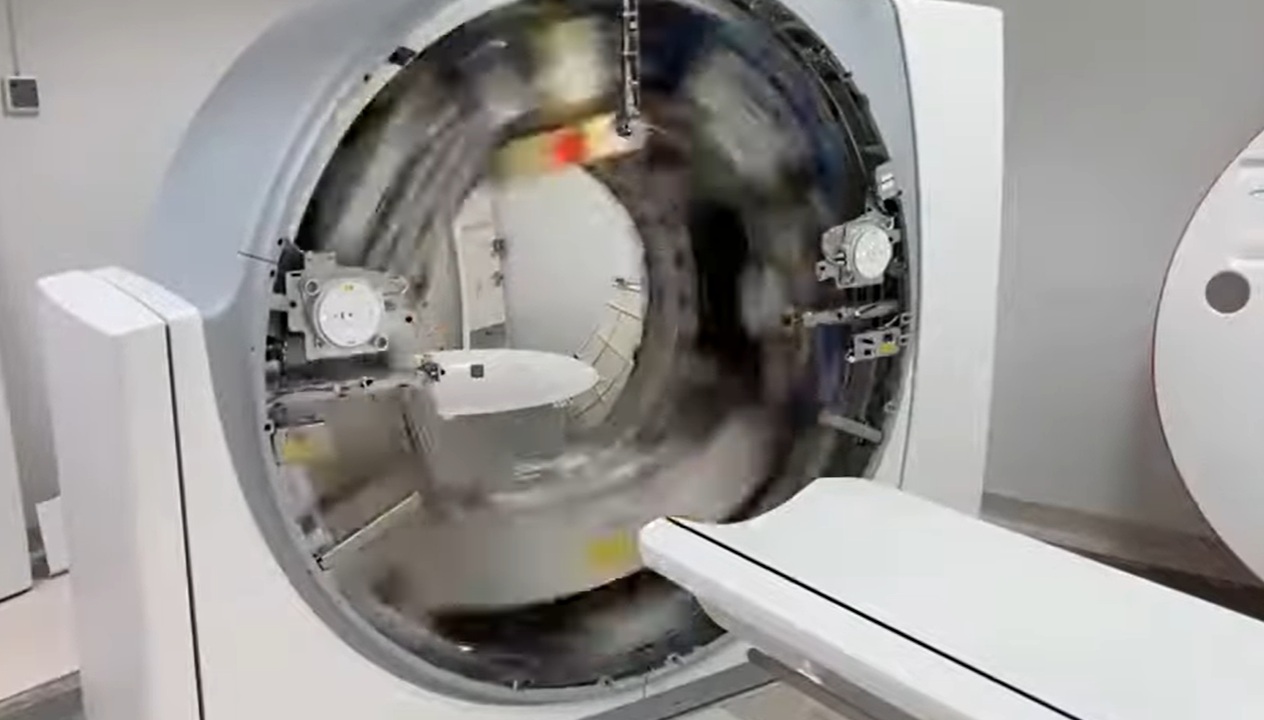
CT-Siemens Somatom go Series
1 week ,CT_TECH_005
Designed for Field Service Engineers. Somatom go Now, Up, All, Top, Sim CT Scanners

Fatih Dilmen, BSc/MSc

Onur Tozkoparan, BSc/MSc
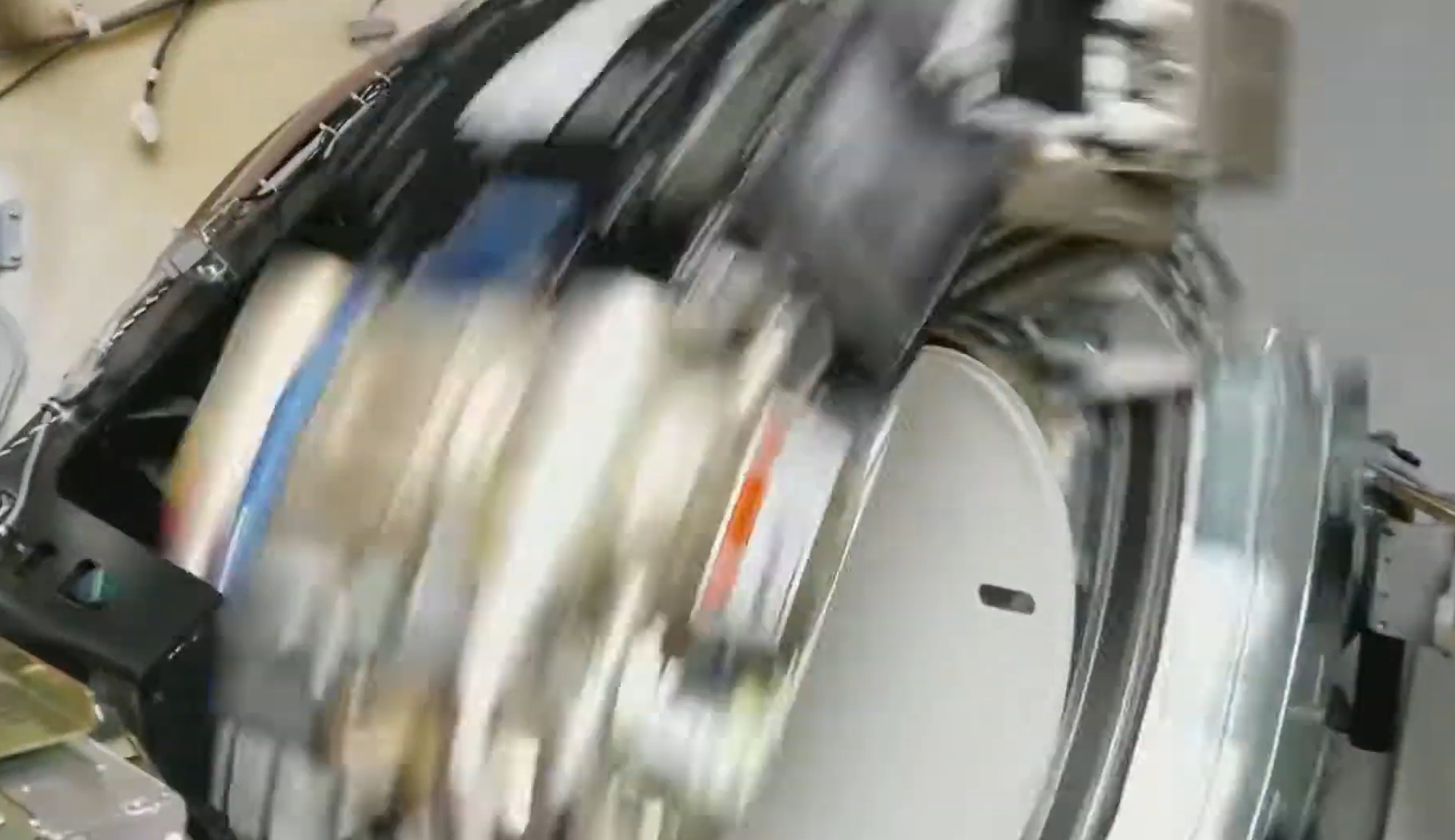
CT-GE BrightSpeed and Optima
1 Week, CT_TECH_006
Designed for Field Service Engineers. GE CT BrightSpeed and Optima Series CT Scanners
Onur Tozkoparan, BSc/MSc
News & Events
-
 Academy that matters 01.01.15
 -
 Continue your education online 28.02.16
 -
 Customized Training 29.05.17
 -
 Quality is not an accident 01.02.18
 -
 A better education environment 22.09.19